Launch reveal
Approved
Socializioz MCP
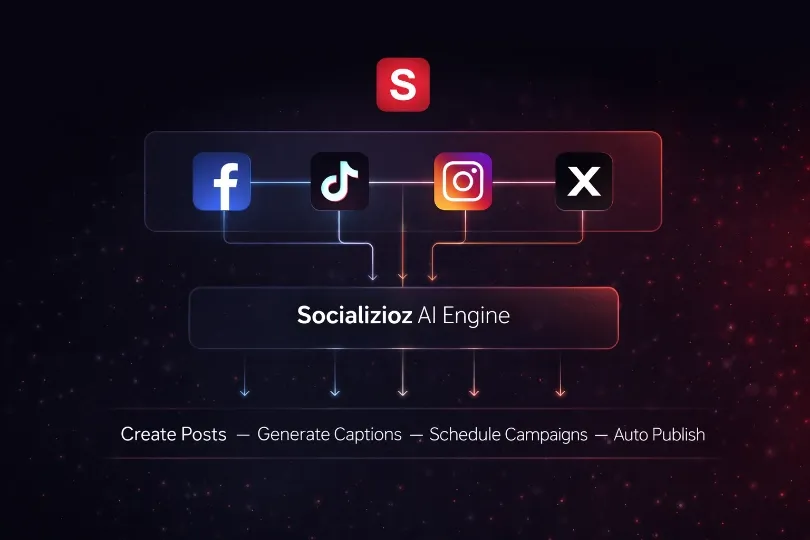
Socializioz MCP gives ChatGPT, Claude, Grok, and supported AI clients secure access to the real workflow: workspace context, campaigns, branded content, media, approvals, scheduling, and publishing.
OAuth authorized
No password sharing
Workspace scoped
Your permissions stay enforced
MCP Registry
Official public listing
Choose your AI client
One connection. Same workspace and permissions.

Claude
Connect Socializioz and use workspace tools from Claude.

ChatGPT
33 toolsUse Socializioz directly from ChatGPT through the native MCP.

Grok + Socializioz
Connect Socializioz, create with Grok Imagine, then prepare or publish from the same flow.

Smithery
Open the official Socializioz MCP listing on Smithery.
https://socializioz.com/api/mcpReal interaction
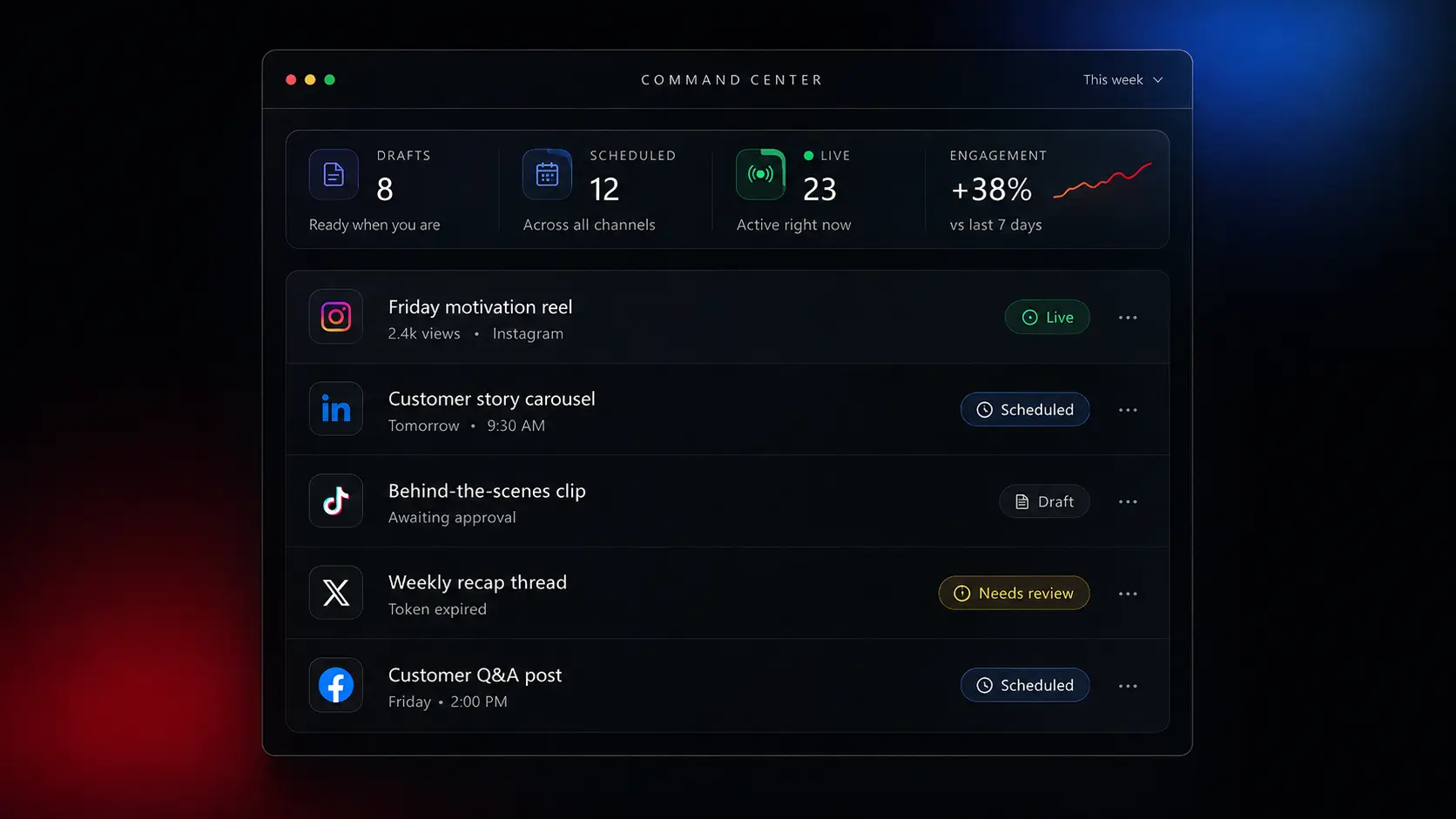
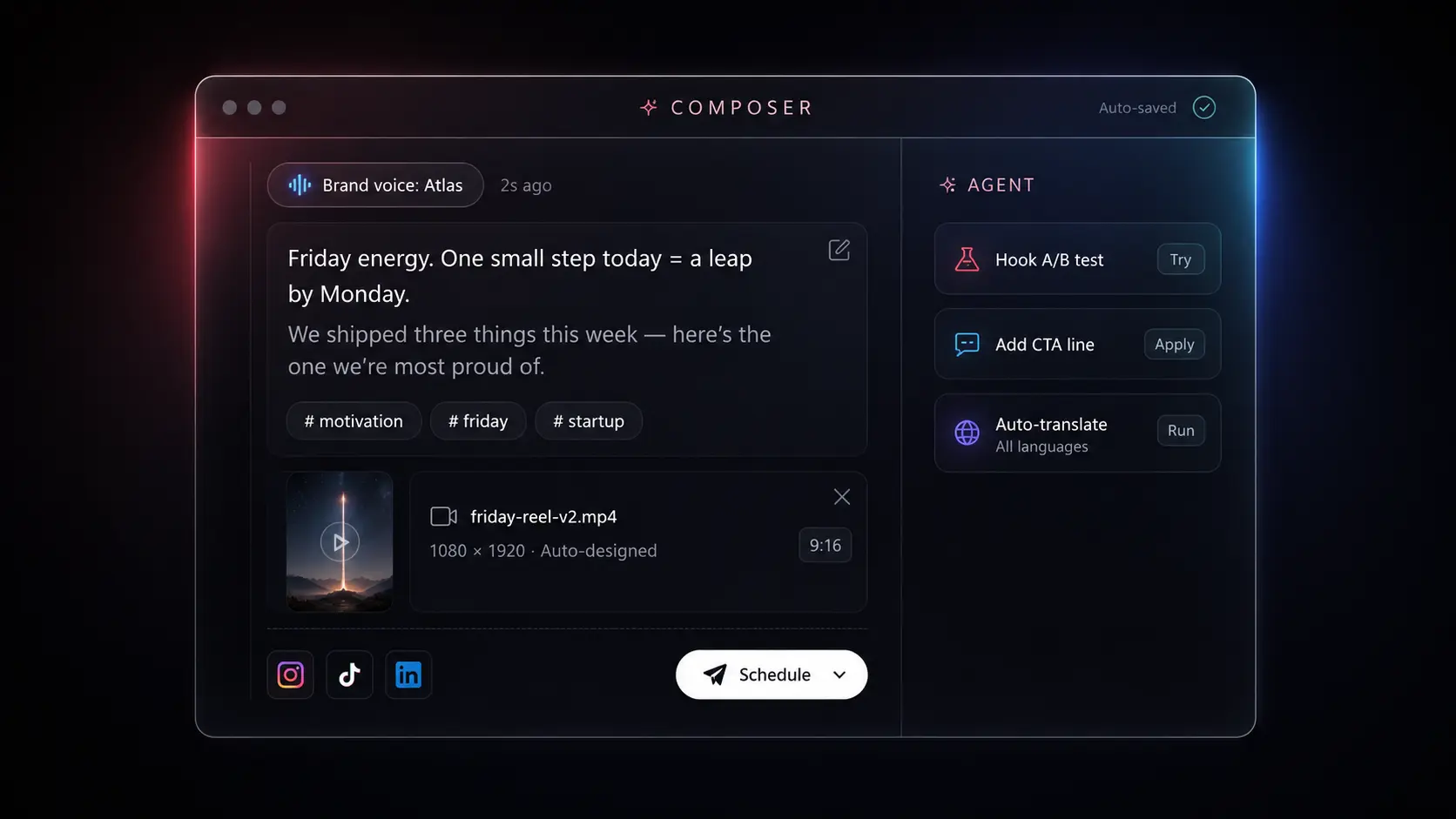
Ask in ChatGPT, Claude, or Grok. Socializioz reads the authorized workspace, uses the correct brand and connected accounts, creates the campaign, prepares the posts, validates the media, and routes the result through your approval workflow. In Grok, you can create visuals with Imagine and then continue preparing, scheduling, or publishing them through Socializioz.

ChatGPT
Socializioz connected
Socializioz completed the workflow
✓ Read workspace and brand profile
✓ Created campaign and content plan
✓ Prepared 3 platform-ready posts
✓ Validated media and destinations
✓ Sent campaign for approval
Launch campaign
Created via ChatGPT MCP
Brief
Complete
Plan
3 posts
Media
Attached
Schedule
Tue–Thu
Launch reveal
Product story
Feature demo
What the connection unlocks
The strength is not the tool count. It is that the assistant can move through the complete Socializioz workflow without losing workspace context or stopping after a caption.
Workspace intelligence
Read the active workspace, brand, connected accounts, content state, and publishing capabilities before acting.
Context first
Campaign operations
Create campaigns, analyze direction, build content plans, update plan items, and convert approved ideas into real posts.
Plan → posts
Content and media
Create and edit drafts, import assets, attach media, validate destinations, and prepare platform-ready content.
Brand + media
Approval and publishing
Send for approval, schedule, reschedule, publish now, cancel, check status, and retry failed publishing.
Verified execution