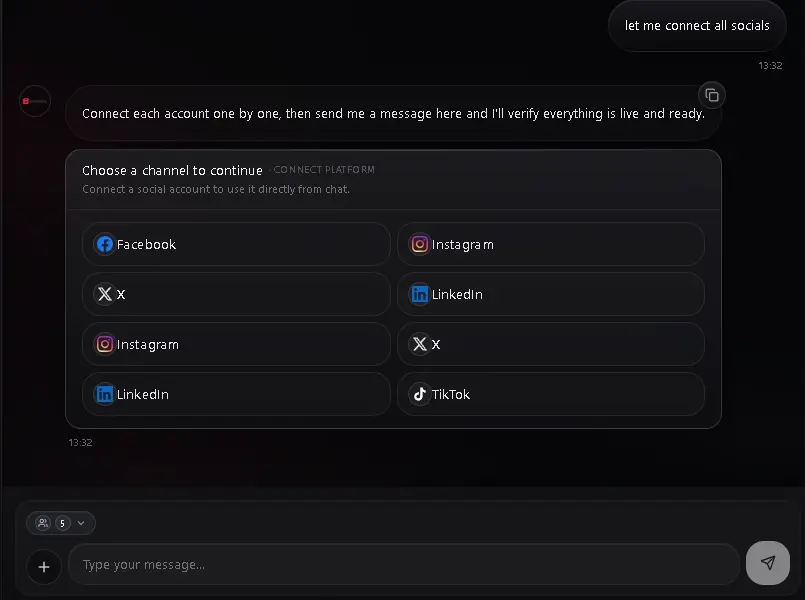
Connect · 01
Connect every channel once
Add your accounts securely, then let Socializioz keep every channel and its context in one workspace.
- Official, secure connections
- Every channel in one workspace
How Socializioz works
Connect your channels once. Plan campaigns, create content and media, review and approve, then schedule and auto-publish on time and learn from performance—all from the same workspace.
One operating system
Socializioz keeps accounts, campaigns, content, approvals, scheduling, publishing and analytics on one shared product state across the workspace, agent and authorized external channels.
Socializioz workspace
One source of truth, whichever surface you enter from.
Connect channels
Accounts + context
Plan campaigns
Goal, audience, next actions
Create
Copy, images and video
Review & approve
Human control stays visible
Schedule & publish
Multi-channel execution
Learn & improve
Signals for the next campaign
Campaigns & paid media
Plan organic and paid campaigns and create the copy and media behind them in Socializioz, then connect supported ad accounts to inspect performance, get recommendations, and prepare or confirm the actions each provider actually supports.
Reach it where you work
Web workspace
Full workspace and controls
iOS & Android
Work from mobile
ChatGPT
Official Socializioz app access
Claude / MCP
Account-authorized MCP tools
WhatsApp Agent
Available by plan
See the product
Each view below shows the real Socializioz workspace at a useful, readable scale.
Connect · 01
Add your accounts securely, then let Socializioz keep every channel and its context in one workspace.
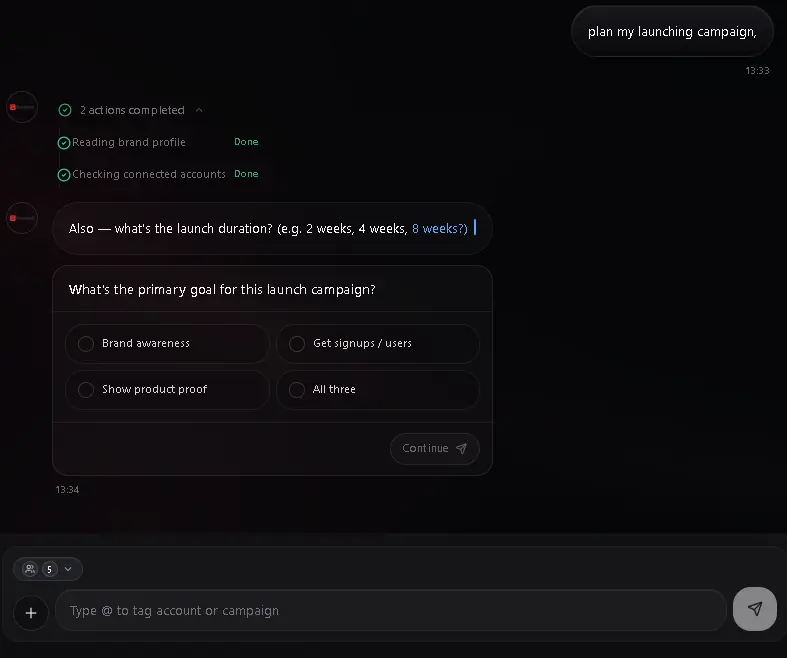
Plan · 02
Give the agent the goal and context. Get an organized campaign, a clear status, and the next action.
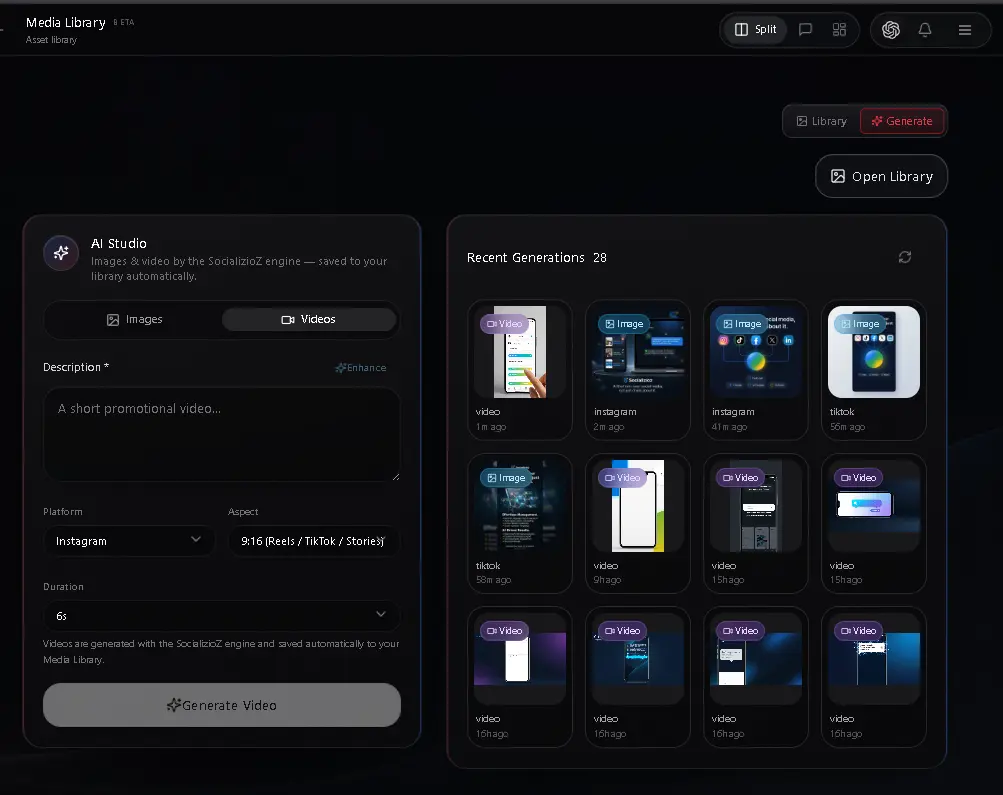
Create · 03
Generate images and video inside the media library, with the right format and context for each channel.
Publish · 04
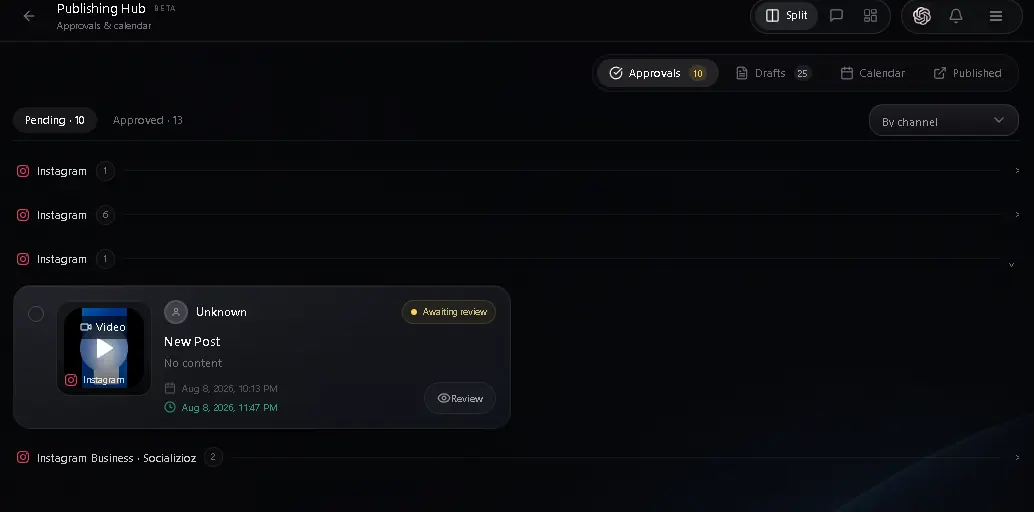
Review the content, keep human approval in the loop, then schedule it across connected channels. Approved scheduled posts can publish automatically at the chosen time.
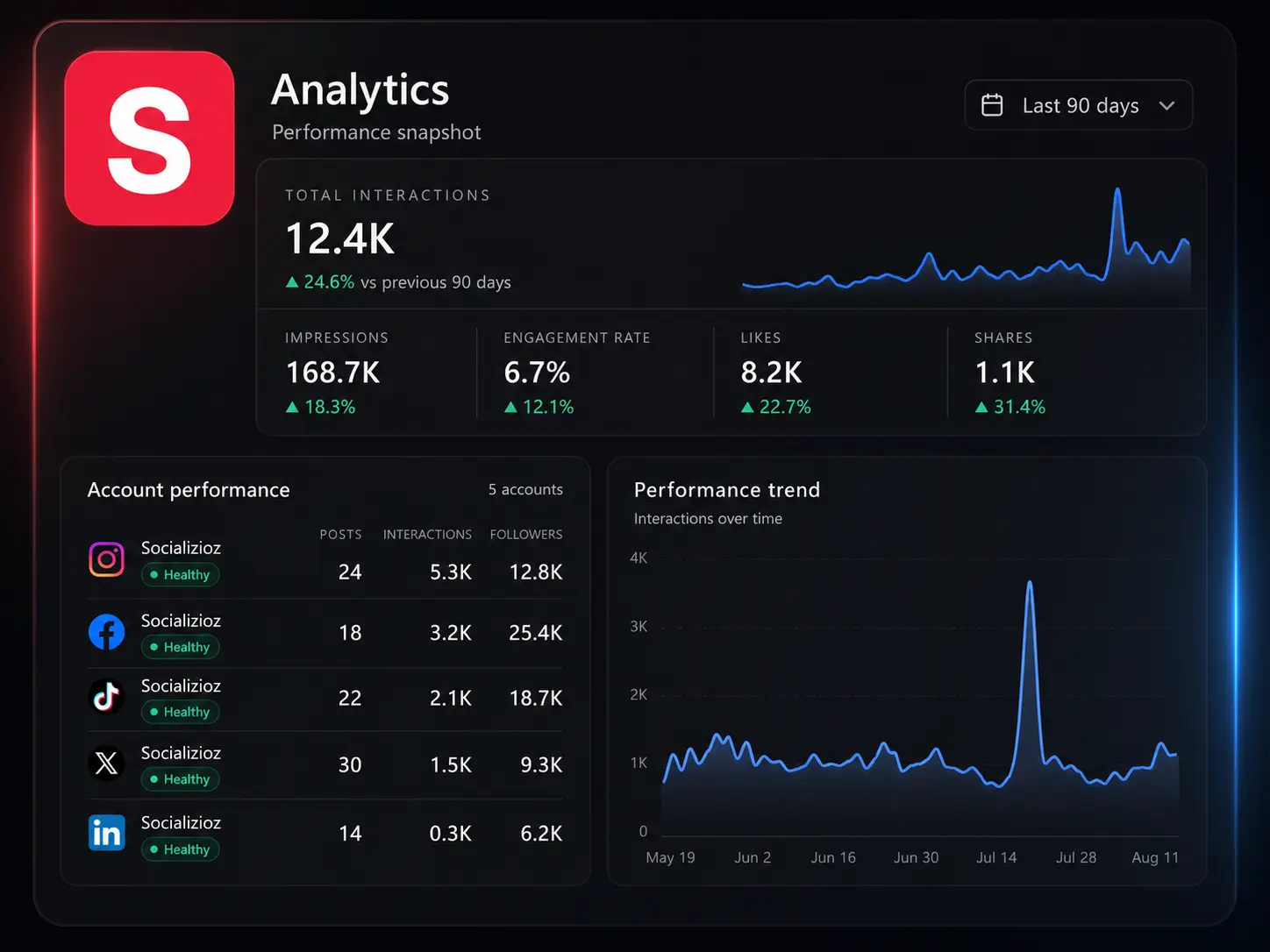
Learn · 05
See what moved across accounts, then use those signals to improve the next campaign.